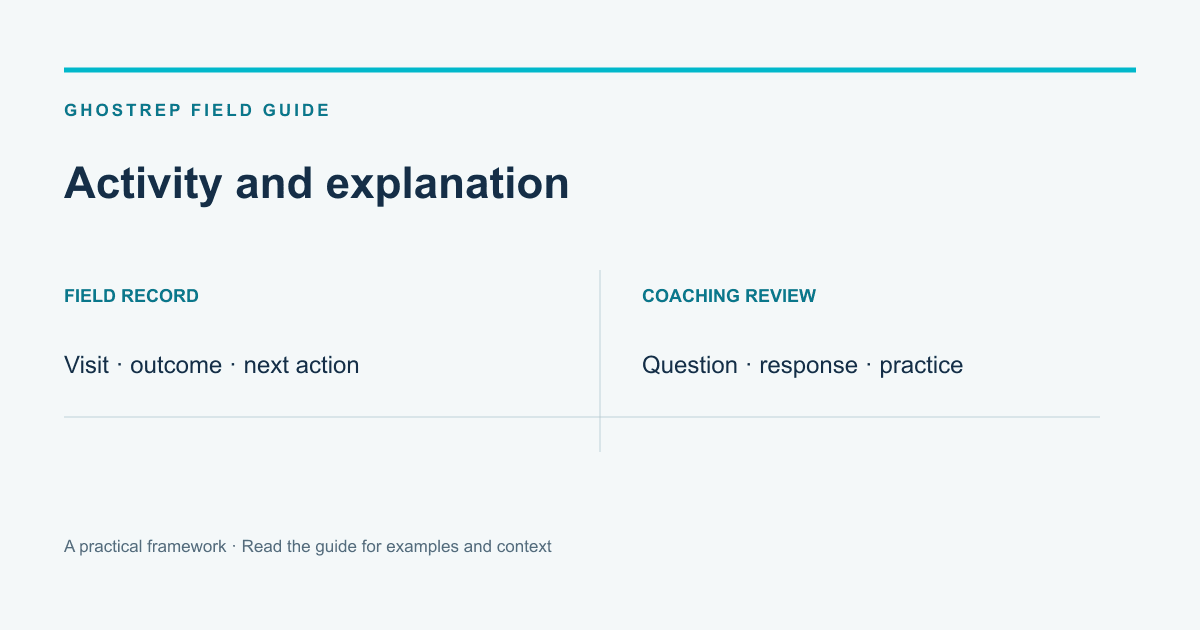
A field-sales tool can help organize visits, customer records and follow-up. A coaching workflow helps the manager understand how a rep handled the conversation. Compare those needs before deciding whether Knockio, GhostRep or a combination belongs in your operation.
Knockio’s public site describes both canvassing and field-service workflows, including lead records, routes, territory management, appointments, estimates and job-related communication. GhostRep focuses on field-conversation capture, live AI coaching, review and practice. The comparison below is based on published scope and a proposed evaluation, not a completed product trial.
Check the workflow behind the map
If your team is evaluating Knockio, follow a sample customer from the assigned visit into the lead record and next action. Ask the provider to demonstrate the fields, permissions and handoff your team needs.
A map is useful context, but the operating question is broader: can the rep record the right outcome, can the next person find it and does the customer receive the agreed follow-up? Test those steps with your actual roles and service process.
Check the explanation behind the outcome
A logged “not interested” outcome can cover very different conversations. The homeowner may have declined the service, already selected a contractor or asked a question the rep did not answer. The manager needs more context before prescribing a response.
Echo supports field recording and review of the exchange, with live coaching in the supported workflow. Use the recording and transcript to discuss what happened. Do not assume a lower appointment rate proves a weak opener without listening to comparable examples.
Give the rep a specific next attempt
Suppose the customer says, “Send me the information.” The rep can clarify what information would help and how the customer would like to continue, rather than treating the phrase as either a definite appointment or a scripted objection.
In AI Role Play, vary the customer’s reason for asking. One may want scope details; another may need to compare timing. Review whether the rep learned enough to offer an appropriate next step. The exercise should build listening and explanation, not a memorized rebuttal.
Compare what the manager can actually see
| Question | What to demonstrate |
|---|---|
| Where did the rep work? | The supported visit, territory and activity records. |
| What did the customer request? | The actual notes and agreed next action. |
| How was the question handled? | The relevant conversation evidence and review workflow. |
| What should the rep practice? | A concrete coaching objective and a new attempt. |
| Who owns follow-up? | The receiving record, assigned person and timing. |
Ask each provider to show the requirements you plan to use. Product scope changes over time, and broad categories can overlap. Avoid a comparison based on an unsupported statement that another product cannot perform a workflow you have not checked.
Keep the conversion arithmetic consistent
Here is an illustrative model using explicit assumptions. Ten reps each have 15 conversations per day, giving 150 team conversations. Moving an assumed appointment rate from 9% to 13% is a four-percentage-point difference: six additional appointments per day.
For an explicitly assumed five-day week, that is 30 additional appointments. At an assumed 50% appointment-to-job rate, the model gives 15 additional jobs. At an assumed $10,000 per job, the modeled weekly revenue difference is $150,000.
This is arithmetic, not evidence that a product will create the lift. The company must also have capacity for the appointments and work. Revenue is not collected profit. Use a smaller lift and a zero-lift case when testing whether the decision depends on optimistic assumptions.
Use the canvassing ROI guide to organize your own inputs. Keep daily and weekly units visible so appointments are not accidentally reported as jobs.
Compare the current offers
Use Knockio’s current written pricing and scope for your team; do not rely on an old per-user number from a comparison article. Confirm the users, features, usage, support and commitment included in the offer.
GhostRep’s published prepaid bundles are 25 hours for $200, 100 hours for $600 or 250 hours for $1,000. Estimate the usage relevant to your workflow and include setup and manager review time. A fair cost comparison includes the work that remains with your team.
Decide whether the handoff is worth the complexity
If two products are involved, identify where the customer record belongs and how the team moves from an activity record to a coaching review. Confirm any integration with a real test record. Assign someone to check that the receiving information is complete.
The goal is a useful routine, not a larger software collection. A rep should know where to log the outcome, where to find feedback and what to try next without maintaining several contradictory records.
Evaluate a focused group
Choose the territory, team and review period. Collect a baseline and note changes in lead mix, staffing and appointment capacity. Review the records and actual conversation examples together.
Continue when the workflow solves the identified problem and the team can sustain it. Revise or stop when the extra steps create work without useful evidence. Do not declare a revenue result from an increase in doors logged alone.
Does GhostRep replace a field-service CRM?
Evaluate GhostRep for its documented capture, live-coaching, review and practice workflow. Keep scheduling, estimating and job-management requirements explicit when choosing the systems that support them.
What should we test first?
Follow one customer through the actual process and one rep through a complete coaching cycle. Contact sales with the conversation problem you want to improve and the existing systems the team uses.
Free tools for door-to-door reps
Give canvassers something they can use today
Pair the strategy in this article with free tools for scripts, door hangers, homeowner texts, and field follow-up.
Field sales tools
Generate homeowner texts, canvassing assets, inspection summaries, and follow-up language.
Browse field sales tools →Training tools
Build knock tracks, objection handlers, and practice scenarios before reps burn live doors.
Browse training tools →Echo
Support reps live in the field with in-ear coaching during real conversations.
See Echo →About the Author
Tim Nussbeck
Founder & CEO of GhostRep
20+ years in roofing and home improvement sales—knocking doors, running teams, and building practical coaching systems. Built GhostRep to give every rep access to the coaching top teams get.
Field next step
Give your reps something they can use before the next knock
Start with field and training tools if you need talk tracks, follow-up language, or canvassing assets now. Book a walkthrough if you want GhostRep mapped to live field coaching.
- ✓Best fit if reps need sharper first knocks and second visits.
- ✓Useful for follow-up language, inspection texts, and canvassing flow.
- ✓Demo shows how Echo and Role Play support real field conversations.
Start Here
Browse field sales tools
Create homeowner texts, canvassing assets, inspection summaries, and follow-up copy.
Browse field sales toolsNeed it mapped to your team?
Talk through your current workflow, traffic mix, and where GhostRep fits before you change anything.
Book a 15-minute walkthroughYou Might Also Like
Compare BatchLeads property and lead-data workflows with GhostRep conversation practice. See where each product fits and what neither replaces.
Read article →Compare GhostRep and SalesRabbit by workflow, evidence, pricing questions, integrations, and a fair roofing evaluation—not by overlapping AI labels.
Read article →SPOTIO tracks door activity. GhostRep trains the conversations that turn those doors into appointments, closed jobs, and better reps.
Read article →